Pipedrive · Guide
Log SIP calls in Pipedrive from iPhone
Turn a finished Callmar conversation into a completed Pipedrive call activity with the transcript in its note.
Updated for Callmar 1.4 ·
What Callmar creates in Pipedrive
Callmar creates an Activity with type call and marks it done because the conversation has already happened. The activity contains the caller, direction, result, date, time, duration and transcript text.
When Callmar finds a matching Pipedrive Person by phone number, that person becomes the activity participant. The direct integration does not send the audio recording, AI summary or follow-up tasks.
How this differs from Pipedrive mobile call logging
Pipedrive’s official iOS workflow can prompt a user to log an answered outgoing call that was started from the Pipedrive mobile app. Its documentation says incoming calls and outgoing calls made outside the app do not trigger that logging prompt on iOS.
Callmar covers a different source: an existing SIP line used inside Callmar. Incoming and outgoing SIP calls handled there can be sent as completed Pipedrive activities after transcription, without retyping the duration or conversation notes. Calls from the iPhone Phone app, FaceTime, WhatsApp, another softphone or a desk phone are not visible to Callmar.
This makes Callmar useful when the business number is supplied by a SIP provider or PBX and the team wants transcript text in Pipedrive. It does not replace Pipedrive’s mobile CRM, provide a cellular plan or capture every call on the device. See Pipedrive’s current mobile call-log guide for its native iOS workflow.
Choose a connection method
Callmar supports two Pipedrive connection paths. Use Connect with Pipedrive for browser sign-in and approval when it appears. If it is not shown yet, connect with the company domain and personal API token instead.
The embedded sign-in button depends on Pipedrive’s marketplace approval and can appear at different times. The personal API token is a direct setup that works immediately for an individual Pipedrive user.
Connect with Pipedrive sign-in
- Open Callmar → Settings → Integrations → Add integration → Pipedrive.
- Tap Connect with Pipedrive.
- Sign in, choose the correct Pipedrive company and approve access.
- Return to Callmar and confirm the connected API domain.
- Run Test connection.
Connect with a personal API token
- In Pipedrive on the web, open the account menu, then Company settings → Personal preferences → API.
- Copy the personal API token. If the API tab is hidden, ask an administrator to allow API access for your permission set.
- In Callmar’s Pipedrive setup, enter the company subdomain from
company.pipedrive.comand paste the token. - Save the token and run Test connection.
Pipedrive’s official personal API key guide shows the current account menu.
What Test connection checks
Callmar creates a clearly labelled temporary call activity, reads the stored fields back from Pipedrive and deletes the activity. It tests the selected domain, credentials and Activity permissions without needing a real contact.
If cleanup fails, one test activity may remain. It is safe to delete manually.
Match people or create them
Callmar searches Pipedrive Persons by phone number. Auto-create person if missing is off by default. With it off, an unmatched call activity can still be created without a person. With it on, Callmar creates a basic Person with the caller’s name or number and attaches the activity.
Keep auto-create off until your team decides how placeholder people should be owned, merged and qualified. Phone formatting matters: use a consistent international number on existing people.
Verify the first real activity
- Choose a phone number already saved on a Pipedrive Person.
- Complete a short Callmar SIP call and wait for its transcript.
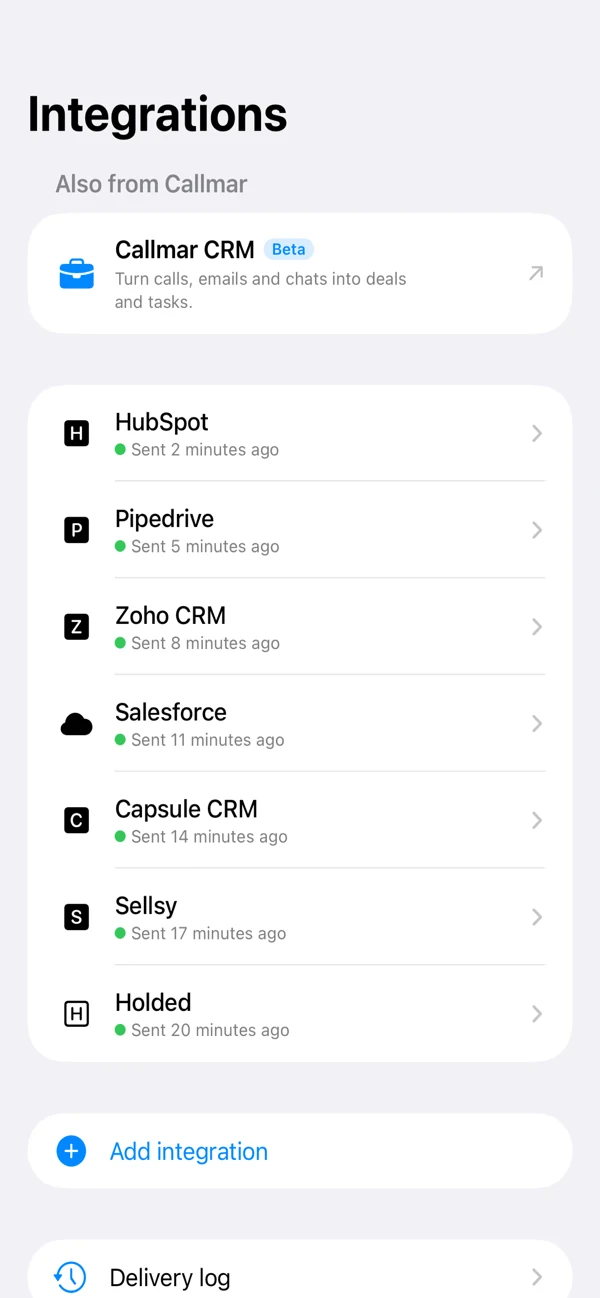
- Check that Delivered increases on the Pipedrive integration screen.
- Open the Person in Pipedrive and confirm the completed call activity, time, duration, result and transcript note.
Pipedrive stores Activity date and time in the workspace’s time-zone rules. If the iPhone and Pipedrive account use different zones, verify the displayed time during this first test.
Monitor delivery and retries
Callmar keeps a local receipt for each confirmed Pipedrive delivery and also places a stable marker in the activity note. The integration detail shows delivered, missing and queued calls.
Open Delivery log for the last error, then retry the queued item after restoring access. Send missing calls skips confirmed receipts. Resend everything clears them and can create duplicate activities or people.
Fix common Pipedrive problems
The token is rejected
Copy a fresh personal token from the same Pipedrive user and check the company subdomain. Do not paste the full web URL into the domain field.
A known Person is not matched
Check the Person’s phone field and international format. Callmar uses the first Person returned by Pipedrive’s phone search; it does not perform a second exact-number confirmation. Verify the attached Person during the known-contact test, particularly if duplicate numbers exist.
The activity appears without a Person
That is allowed when no match exists and auto-create is off. Associate it manually or enable auto-create after reviewing the policy.
The Connect button is absent
Use the personal API token path. The one-tap OAuth route can be disabled independently without disabling Pipedrive delivery.
Privacy and credential hygiene
Pipedrive receives call details and transcript text. The recording stays on the iPhone, and the direct integration does not send the AI summary or tasks.
A personal API token acts with the permissions of its owner. Treat it like a password, revoke it when the connection is no longer needed and prefer OAuth when the approved one-tap path is available.
Bring your own SIP line. 14-day free trial. Recording & transcription off by default.