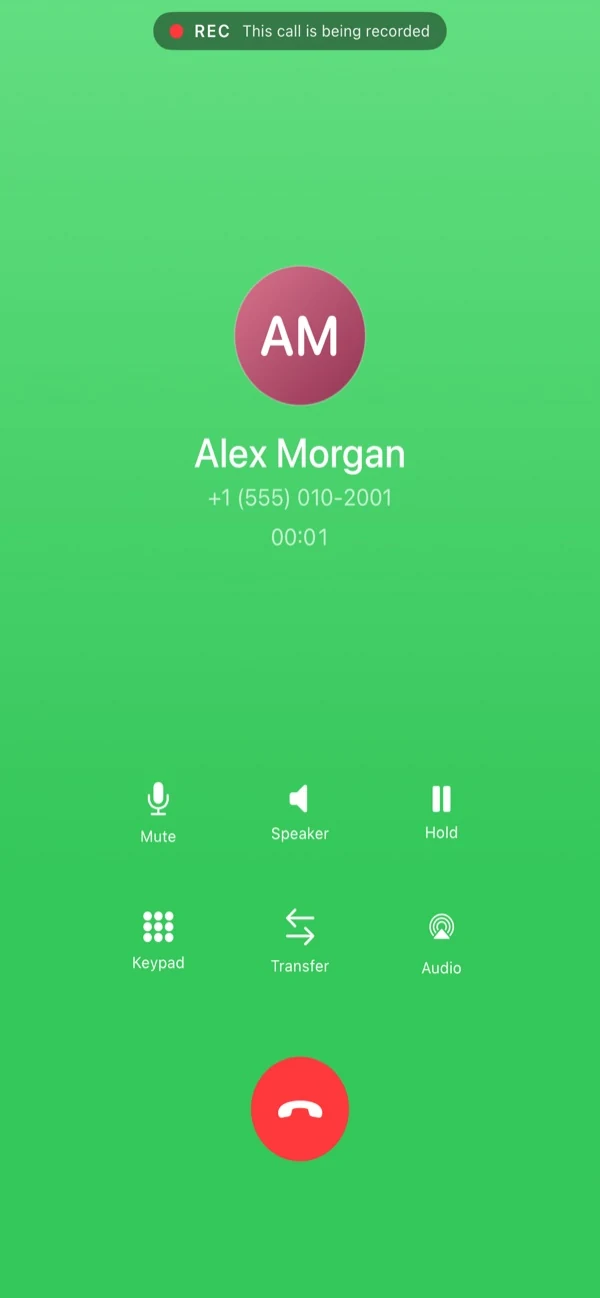
Your SIP line, finally native on iPhone.
Native iPhone calling, reliable incoming even when the app is closed, and on-device AI call notes — for the SIP account you already have.
Free 14-day trial · then $9.99/mo or $79.99/yr · cancel anytime
Works with your PBX and provider
Built for people who live on the phone
Sales, support, and small teams replacing a desk handset — without giving up the native iPhone calling experience.
Native iPhone calling
Incoming calls ring on the lock screen with the system call UI. Familiar in-call controls, call history that feels built-in, and Bluetooth/CarPlay just work.
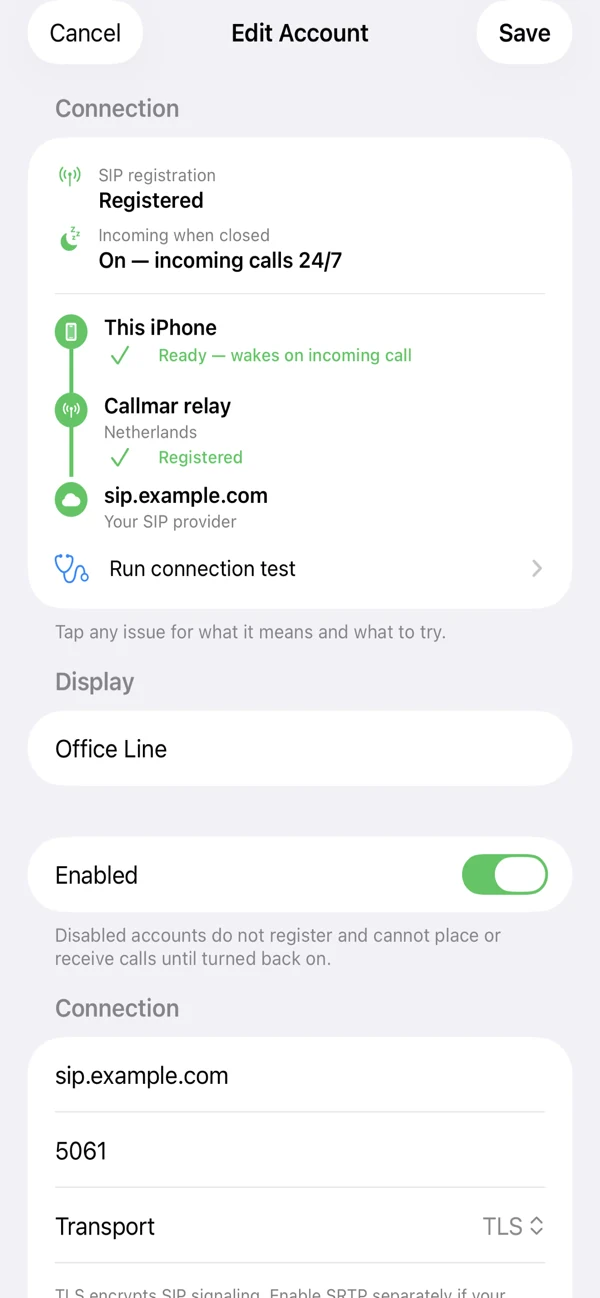
- Reliable incoming — Callmar keeps calls ringing even when the app is in the background or closed. Your conversation audio never goes through Callmar.
- Multi-account — connect several SIP lines and pick which one to use per call.
- Transfer calls (blind or attended) when your PBX supports it.
- TLS + SRTP encryption when your provider supports it.
On-device AI call notes
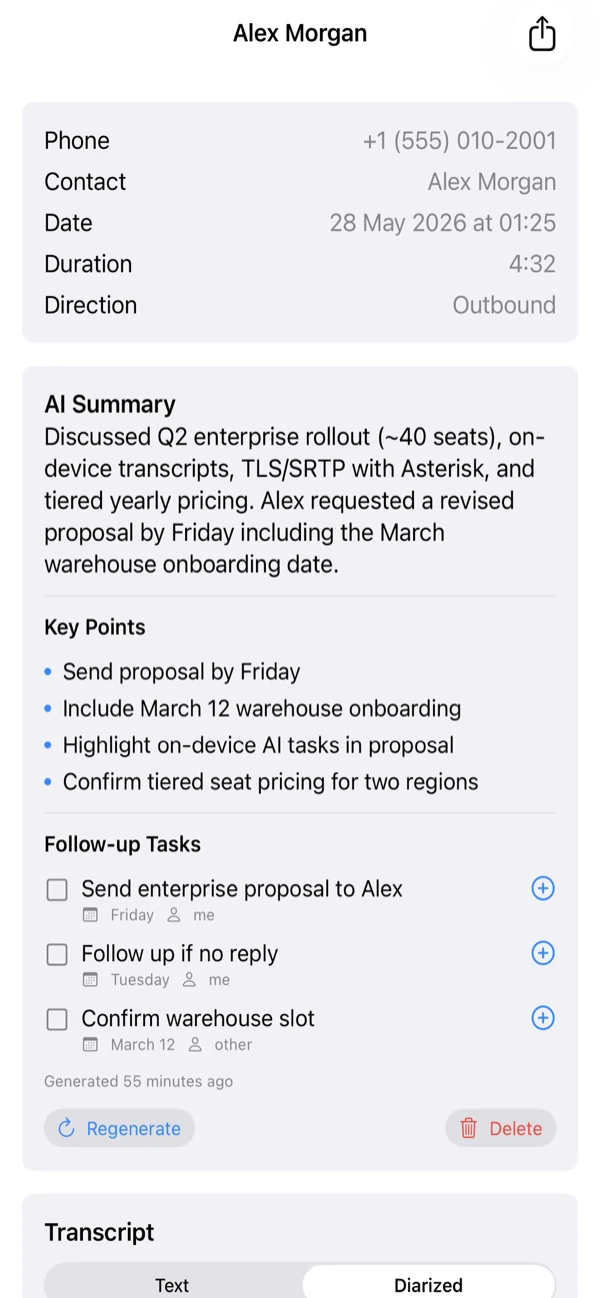
Turn a call into a summary, key points, and follow-up tasks — processed entirely on your iPhone. Audio recordings never leave your iPhone.
- Apple Speech transcription by default on iOS 26+, no model download.
- Optional WhisperKit for more languages and older iOS.
- Apple Intelligence summaries on supported devices — fully on-device.
- Follow-up tasks you can send to Apple Reminders.
A searchable call archive
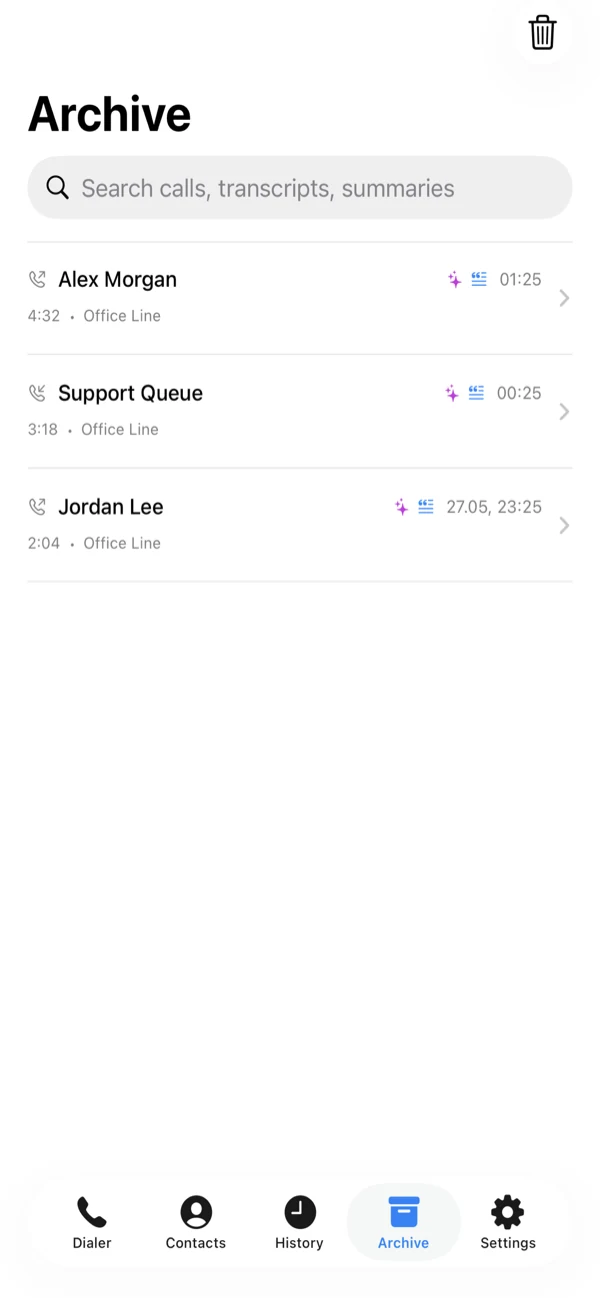
Every call, with its transcript and summary, in one searchable place. Find that commitment you made last Tuesday in seconds.
- Search across calls, transcripts and summaries.
- Recordings stay encrypted on your iPhone; play them back in the app when you choose to save them.
- Recording and transcription are off by default and require explicit consent.
Send calls to your CRM
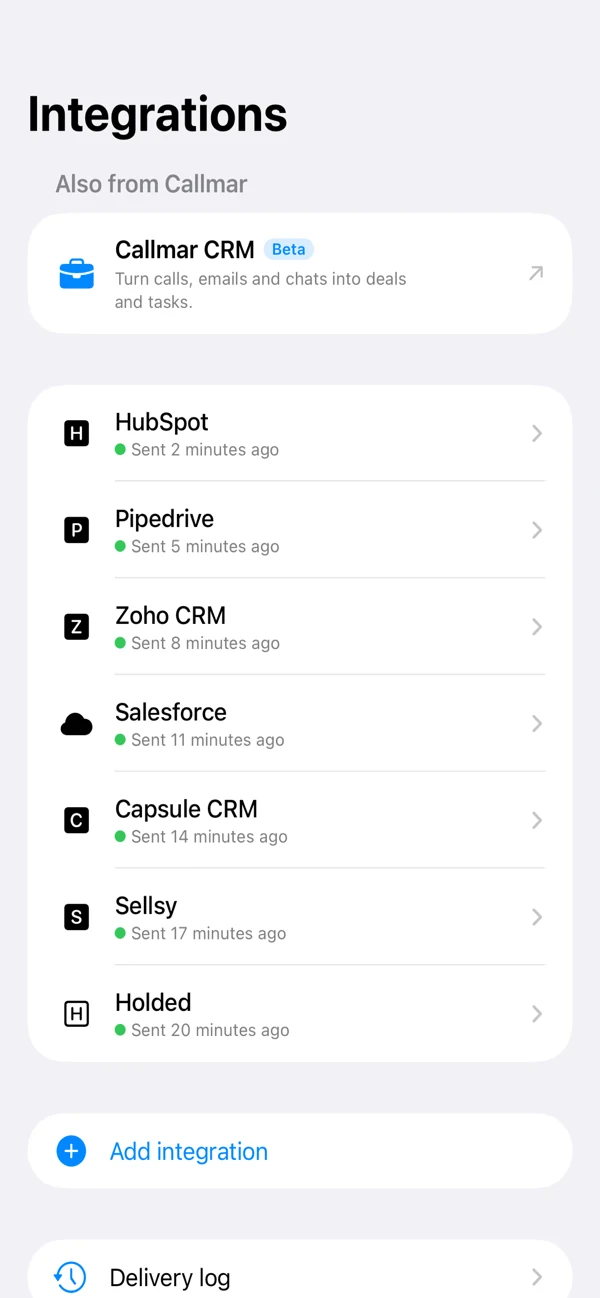
Send call details and transcript text — never audio — to the CRM your team already uses.
- Connect HubSpot, Pipedrive, Zoho, Salesforce, Capsule, Sellsy or Holded. Setup guides →
- Match calls to contacts by phone number and choose whether to create missing contacts.
- Check delivery, see errors and retry a call from the delivery log.
- Custom webhooks can separately send enabled events such as summary text, with HMAC signing and retries.
- Callmar CRM (beta) — our own CRM for calls, emails and chats. Learn more →
Easy to get started
Add your SIP line in under a minute — then keep working in the language your team already speaks.
- Easy setup — QR code, invite link, or pick a provider.
- UI in 12 languages; transcription languages you choose in Settings.
- In-app support chat when you need help.
Privacy by default
Almost everything sensitive stays on your iPhone. No analytics SDKs, no advertising, no tracking, no data brokers.
On-device by design
Contacts, recordings, transcripts and AI summaries are processed and stored on your device, not on our servers.
Credentials in the Keychain
Your SIP login and password are stored in the iOS Keychain. Callmar never handles your conversation audio — that stays between you and your SIP provider.
Minimal data label
The App Store privacy label declares only phone number and purchases, used for app functionality — not linked to you, never for tracking.
Simple pricing
Try everything free for 14 days. Keep going for less than a coffee a week.
Callmar Pro · Yearly
Just $6.67 / month, billed yearly. 14 days free.
Callmar Pro · Monthly
Flexible — 14 days free, cancel anytime.
Free trial converts to paid at the end of day 14 unless you cancel. Prices vary by App Store region and are shown in your local currency at checkout. Family Sharing is not enabled.
Questions
Which providers and PBXes work with Callmar?
Any SIP line. People use Callmar with PBXes like Asterisk, FreePBX, 3CX and FreeSWITCH, and with providers like Twilio, Telnyx, Vonage, Plivo and Bandwidth. If your provider speaks SIP, Callmar speaks to it. You bring your own SIP account.
Does Callmar upload my call audio?
No. Live call audio goes to your SIP provider during the call, as with any VoIP app. Transcription runs on-device (Apple Speech or optional WhisperKit). Connected CRMs receive call details and transcript text; a separately configured webhook can include enabled events such as summary text. Neither receives audio. Audio recordings never leave your iPhone.
How do incoming calls work when the app is closed?
Callmar’s servers keep your line reachable so incoming calls can ring on the lock screen even when the app is closed. Call audio still goes only to your SIP provider — never through Callmar.
Is recording and transcription on by default?
No. Both are off by default and require explicit consent. Recordings stay encrypted on your iPhone.
What devices are supported?
iPhone and iPad on iOS / iPadOS 17.0 or later. On-device AI summaries use Apple Intelligence on supported devices running iOS 26 or later. The app is localized in 12 languages.
Make your SIP line feel native.
Download Callmar and start your free 14-day trial today.